DSRAZOR for Windows
Point-and-click reporting, management, and delegation.
Reporting for Active Directory and Windows File System
Quickly detail Windows file permissions, report and manage Active Directory users, groups, and computers, and easily delegate management tasks.
Free Trial Pricing Request a Demo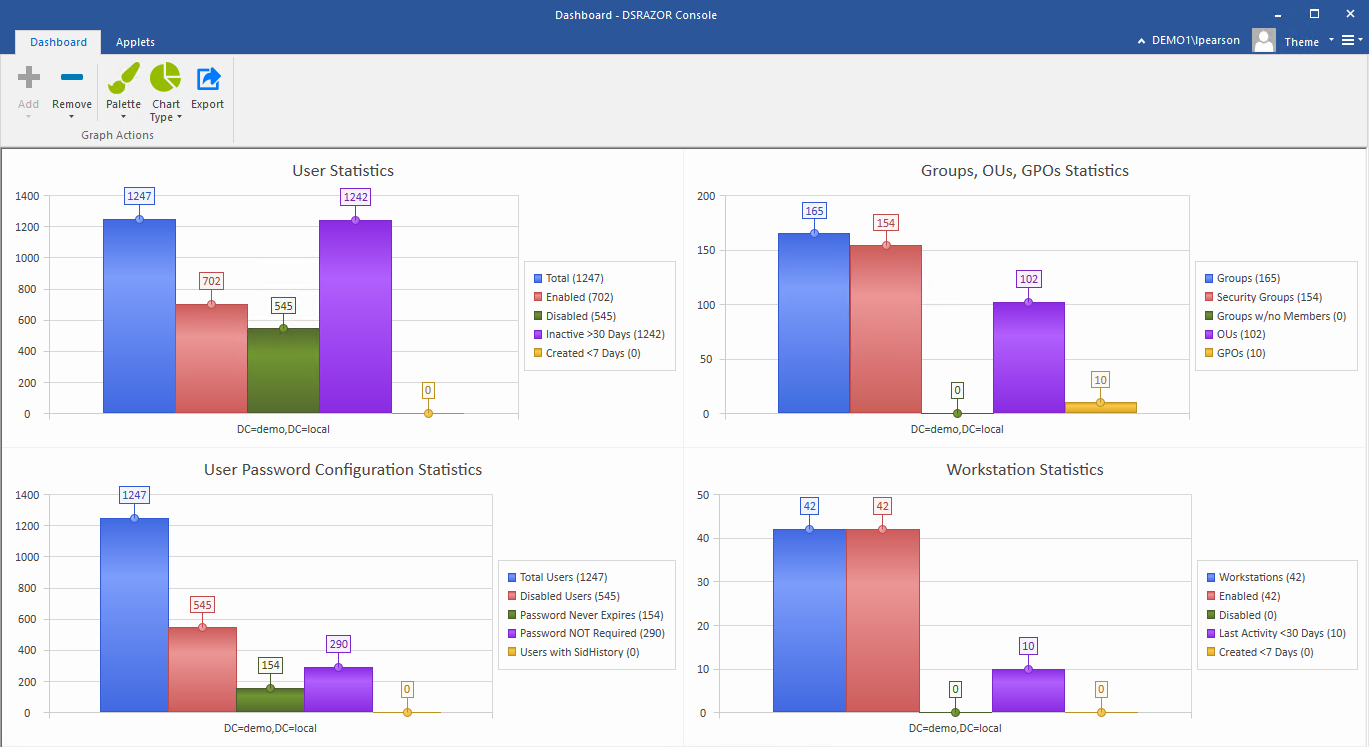
Get a free trial of DSRAZOR for Windows today!
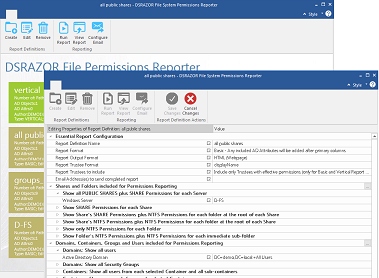
Easily document file and folder permissions Quickly see who has access to what
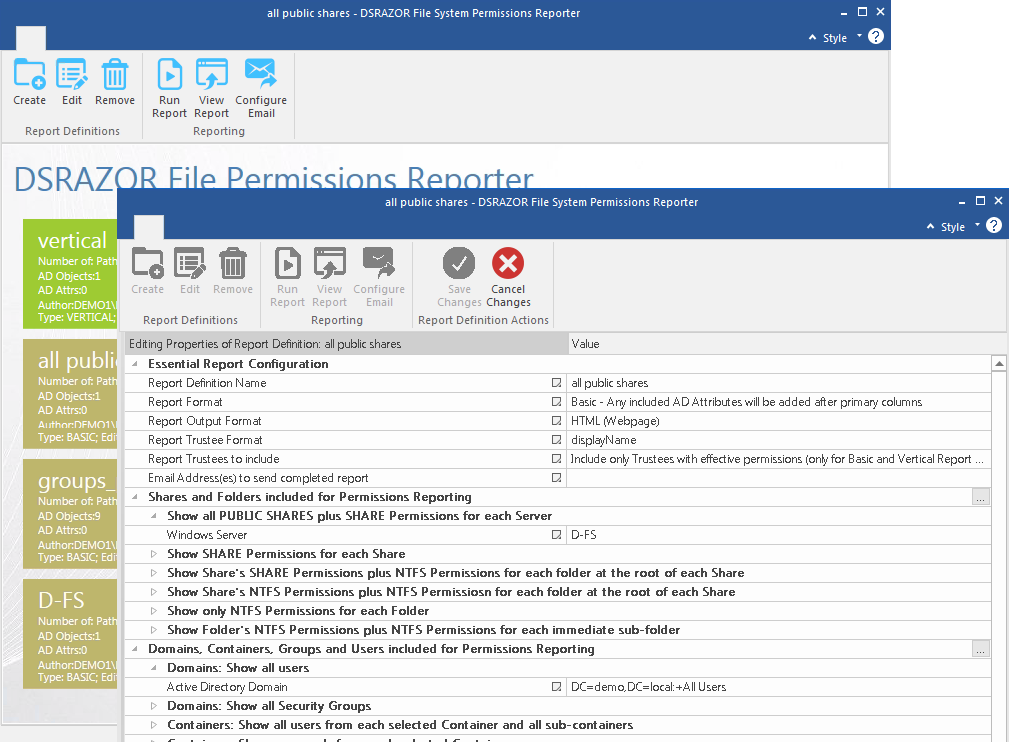
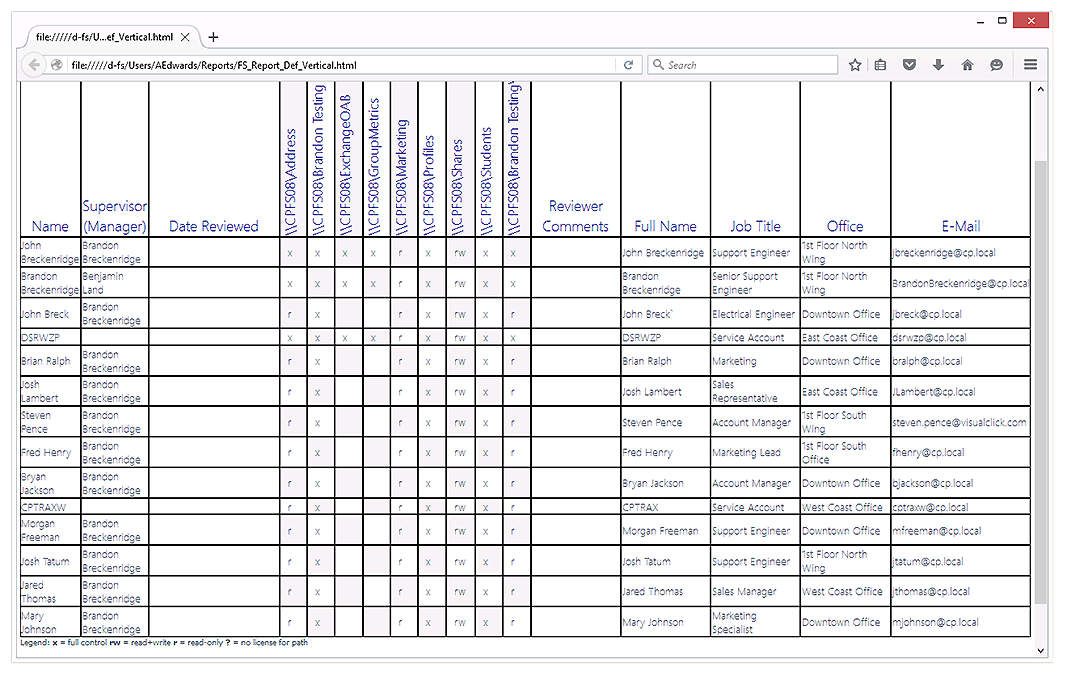
Create simple reports detailing the type of access users and groups have to your file servers' shares, folders, and files. Reports are customizable and can include specific Active Directory attributes for each trustee, including their Title, Office, Department, and Manager.
Learn More Request a DemoReport on any Active Directory objects and their attributes Comprehensively audit and document your vital Active Directory data
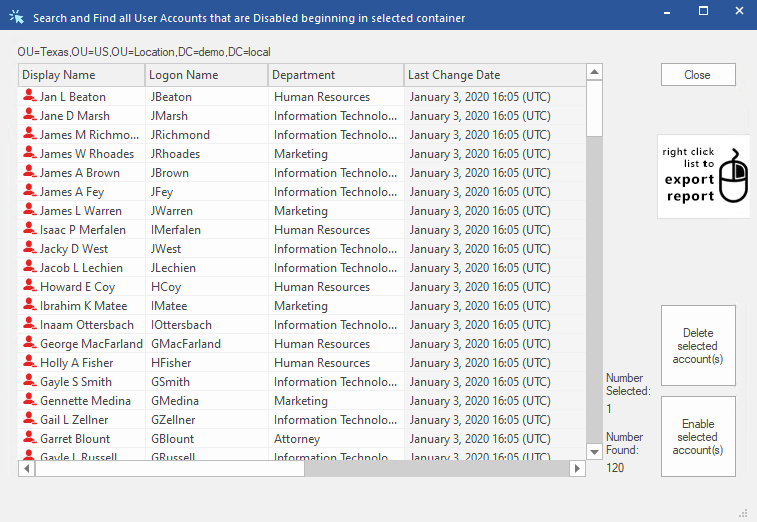
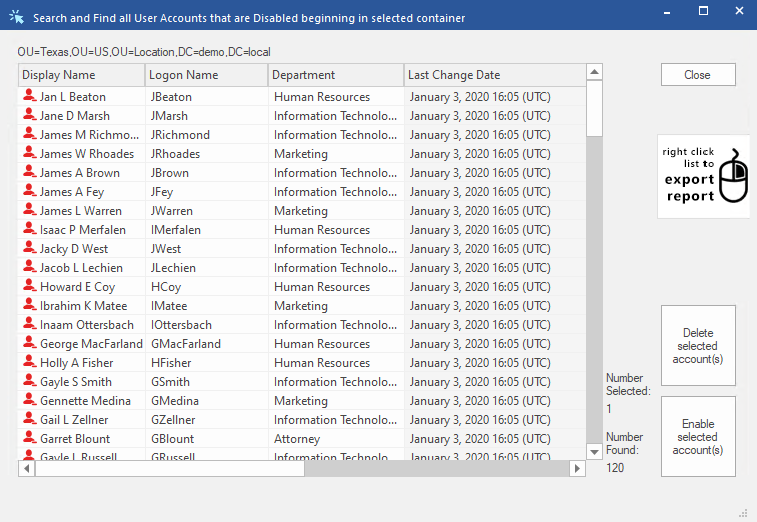
Filter on nearly any Active Directory attribute or combination of attributes. DSRAZOR for Windows can provide reports of...
- Accounts that are locked, disabled, or expired
- Accounts unused for X days
- Accounts where last logon failed
- Group Membership
- Disabled Computer Objects
- Workstation Inventory Learn More
- and much more!
Learn More Request a Demo
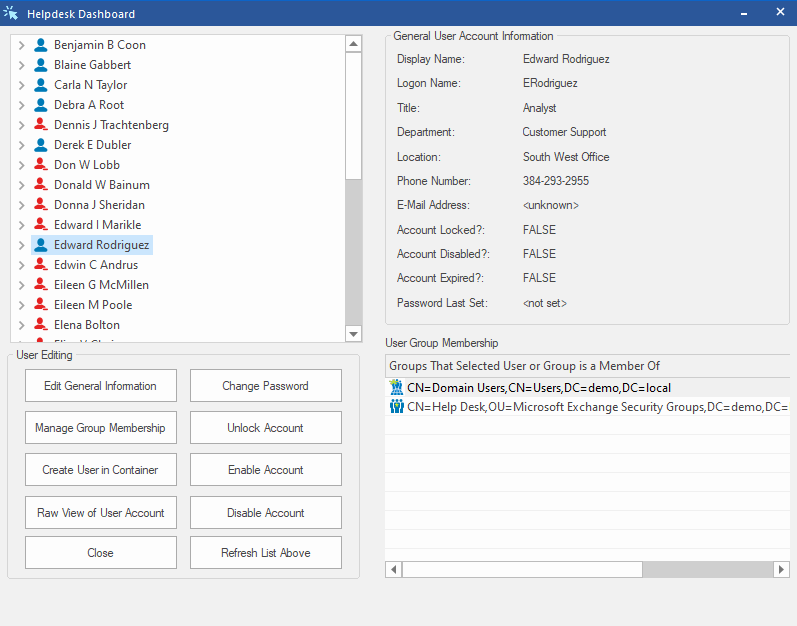
Effectively manage Active Directory - no scripting required! Fully customizable tools to suit your needs
Simplify your job by staying on top of Active Directory management tasks. With DSRAZOR for Windows, you can quicly perform and even automate the following tasks...
- Create/Import/Update users, groups and computers
- Delete/Move unused users, groups and computers
- Reset passwords in bulk
- Perform mass object imports from a CSV file
- Modify trustee permissions for desired Folders
- Automatically synchronize your Student Information System (SIS) to Active Directory
- and much more!
Learn More Request a Demo
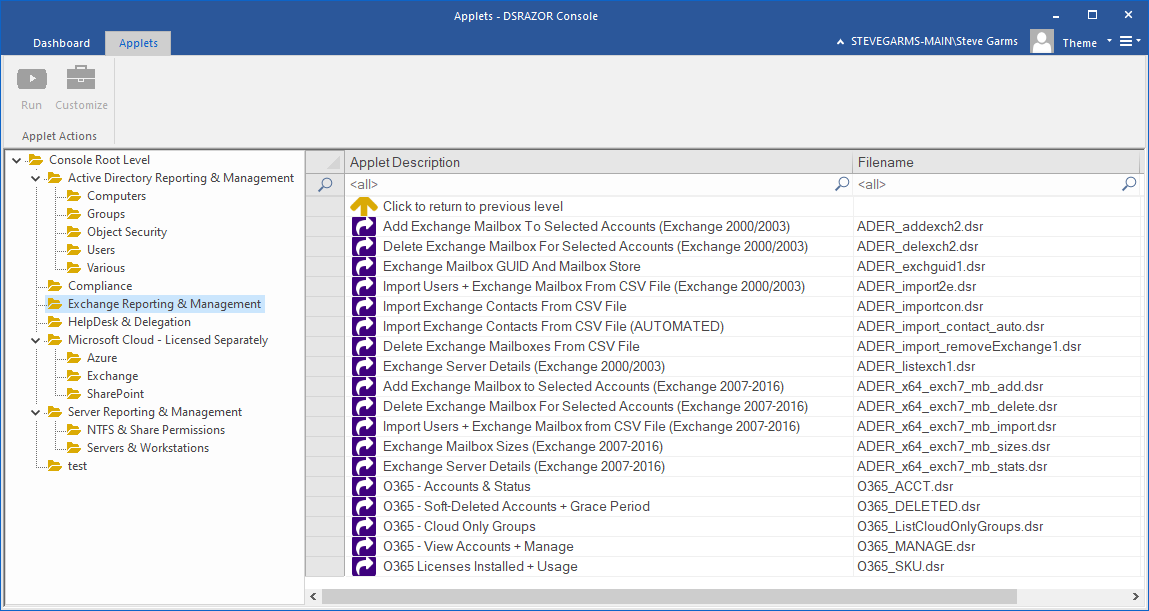
Add, delete, and document Exchange mailboxes Keep tabs on your Exchange mailbox and server settings
DSRAZOR for Windows helps manange your Exchange installation. Add, delete, and document Exchange mailboxes. Accurately audit and document server information.
Learn More Request a Demo
Document and manage Microsoft 365 accounts Seamless Microsoft 365 integration
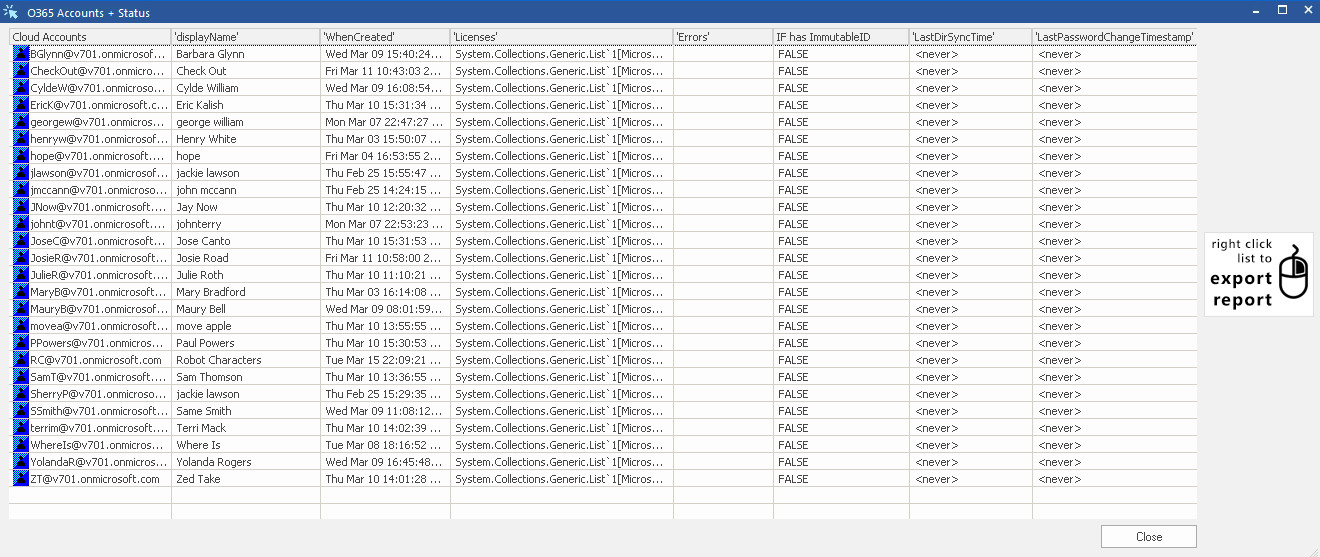
Easily report and manage your Microsoft 365 accounts. View Microsoft 365 account status and attributes and list the number of active and used Microsoft 365 licenses along with individual usage.
- Create/Delete/Manage Microsoft 365 user accounts
- Report Microsoft 365 user account status
- Add/Remove cloud licenses
- Report Microsoft 365 license status and usage
- and more!
Learn More Request a Demo
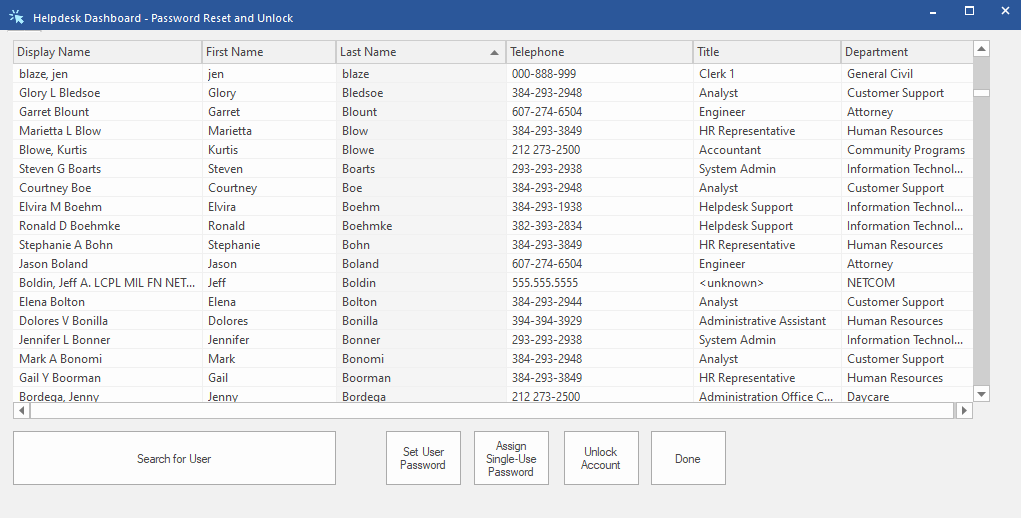
Allow non-admins to perform Active Directory management functions.
Delegate the small stuff, focus on the big stuff.
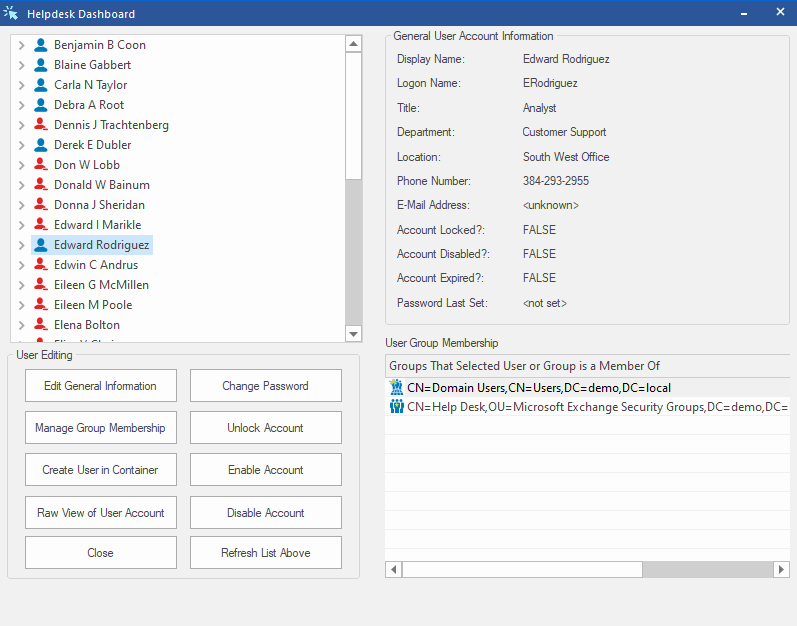
With the Zero Privilege Help Desk (licensed separately, requires DSRAZOR for Windows) your help desk operators will no longer require Domain Admin rights. The Zero Privilege Help Desk enables your non-admin users to complete their work without compromising your control and security.
The Zero Privilege Help Desk is compatible with all DSRAZOR for Windows management applets.
Learn More Request a Demo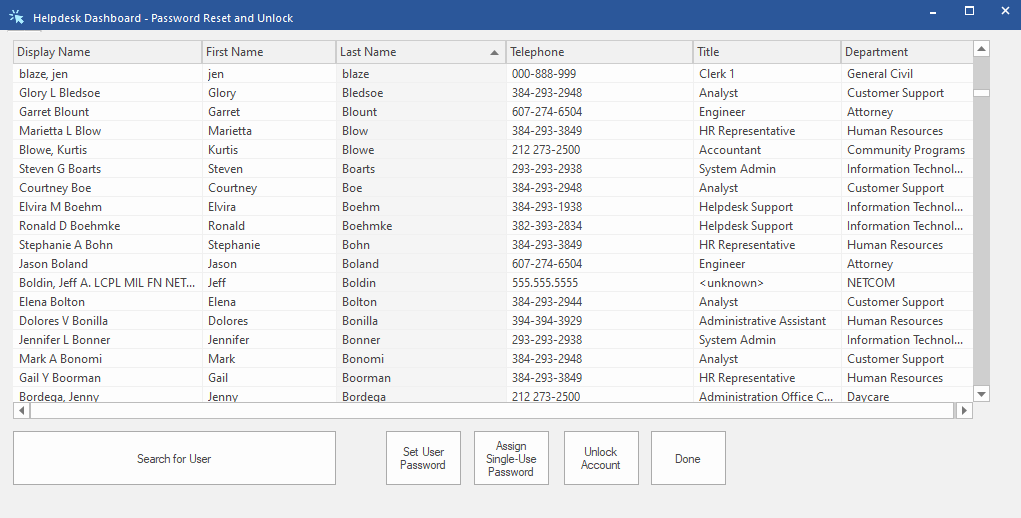
Technical Specifications
DSRAZOR for Windows Console
General
DSRAZOR for Windows is a Windows 32-bit application.
DSRAZOR can be ran from any workstation/server with access to Active Directory.
Permissions
Reports require read permissions to Active Directory and NTFS File System; Administrator-level permissions are required for management functions.
OS
- DSRAZOR for Windows will run on all recent versions of Windows or Windows Server.
CPU
- DSRAZOR for Windows has no minimum CPU requirements.
RAM
- 512MB
Disk Space
- 100MB Disk Space (for installation)
Reports
General
Reports can be viewed on screen or exported to CSV, TXT, or HTML file. File size varies based on amount of activity that is reported.
DSRAZOR for Windows
Reporting and Management
Annual Subscription License
for up to 50 enabled user objects
-
Licensed by enabled AD user objects
(Perpetual License also available)
DSRAZOR + Zero Privilege
Grant non-admins ability to manage
Annual Subscription License
for up to 50 enabled user objects
-
Licensed by enabled AD user objects
(Perpetual License also available)
DSRAZOR includes 1 YEAR of our world class support!
Unlimited Training
We'll make sure you can take advantage of everything DSRAZOR has to offer.
Unlimited Support
Our rapid-response support team can assist with any questions you may have.
Custom Applet Design
Need more? Just ask! We'll create a custom solution that fits your needs.